

Oct 24
How To mount a Truecrypt container
Download the Truecrypt version corresponding to your operating system from https://github.com/AuditProject/truecrypt-verified-mirror
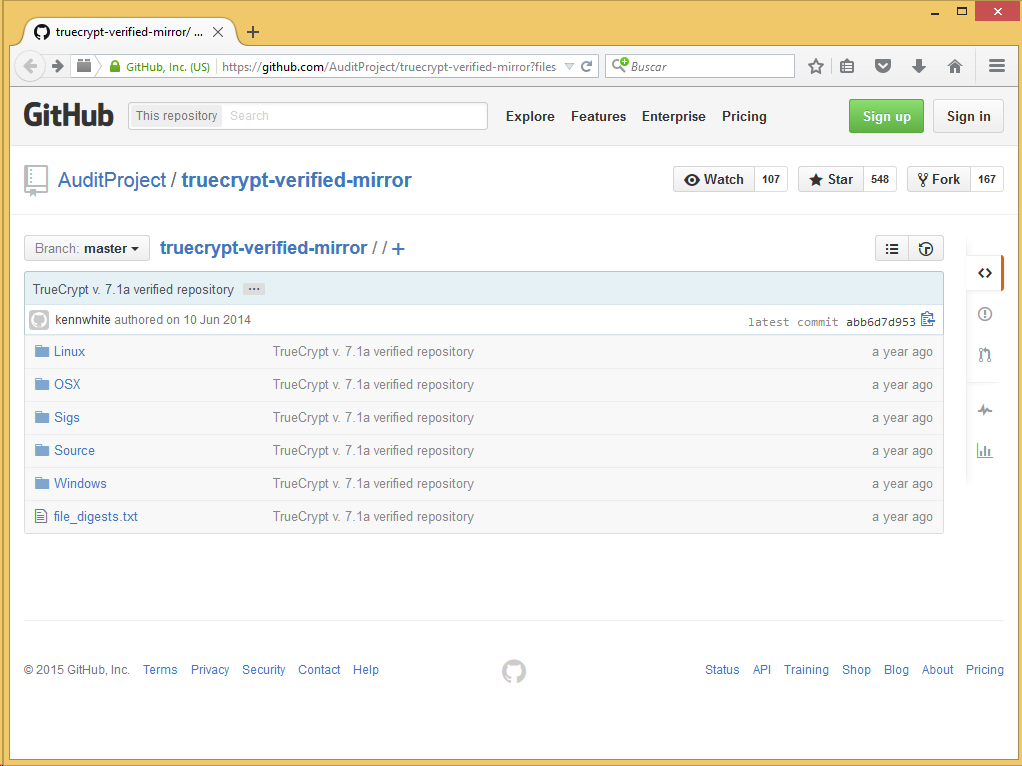
Verify its integrity using signature or hash (see https://github.com/AuditProject/truecrypt-verified-mirror/blob/master/file_digests.txt).
Install the application. For example, in MS Windows open the downloaded TrueCrypt self-extracting installation package.
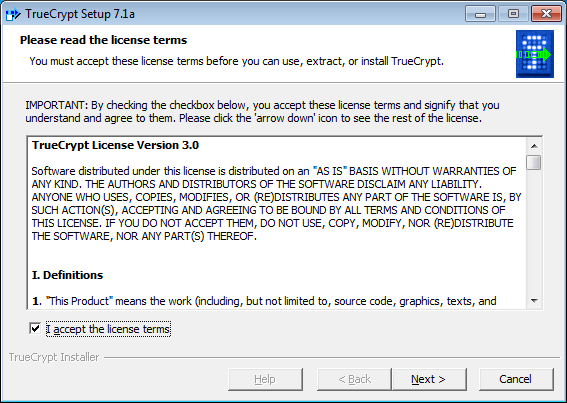
Accept the license terms.
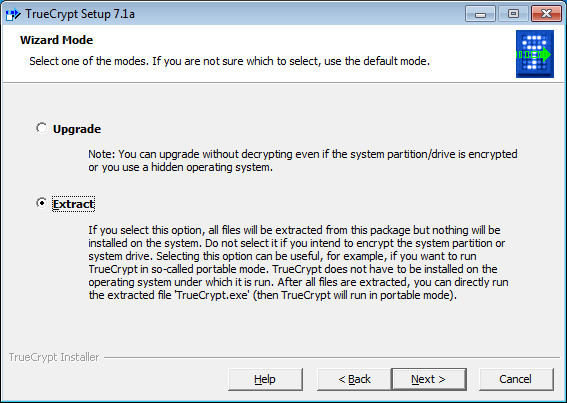
Select «Extract».
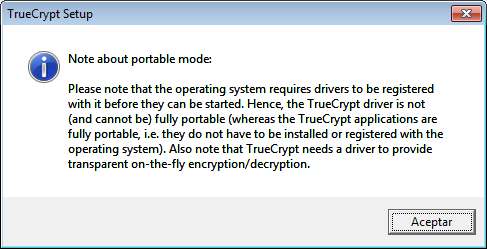
Accept the warning.
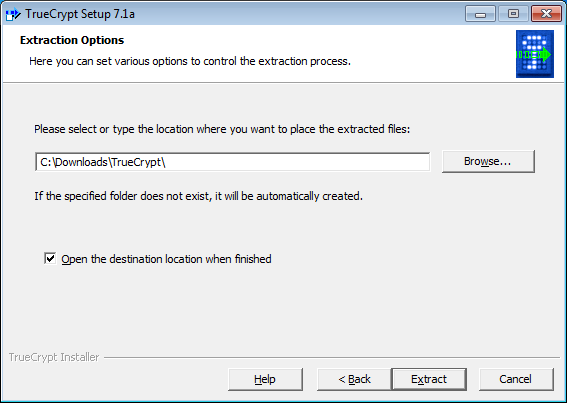
Set the extract path.
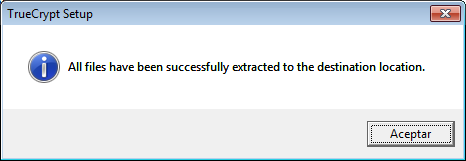
Accept the message.
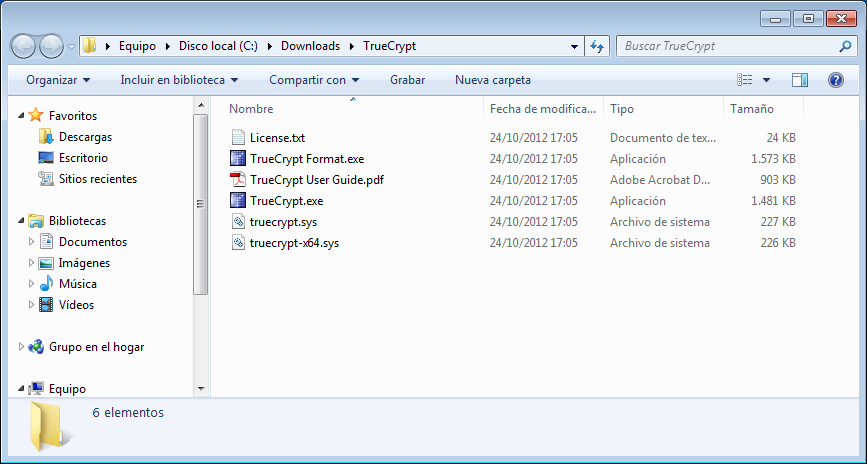
Open «TrueCrypt.exe».
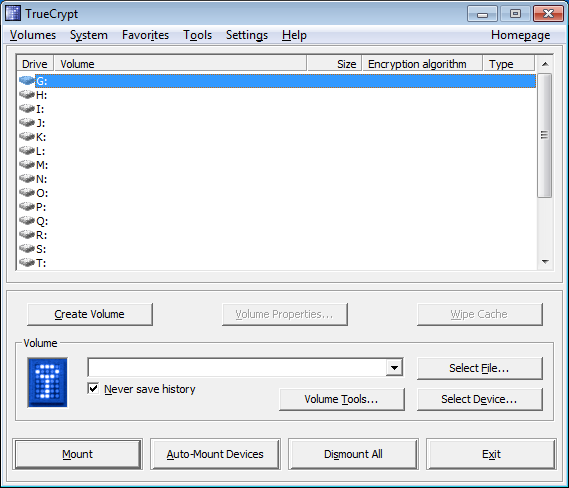
Select a drive letter and «Select File».
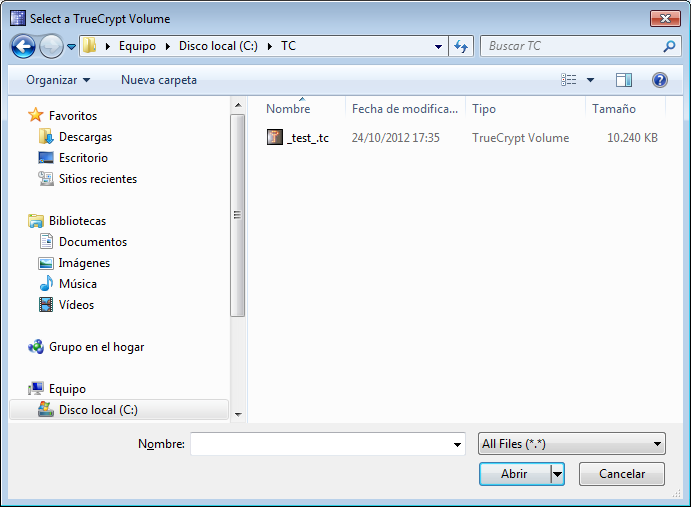
Select the TrueCrypt file to open.
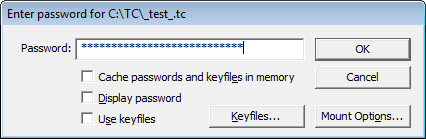
Enter the password.
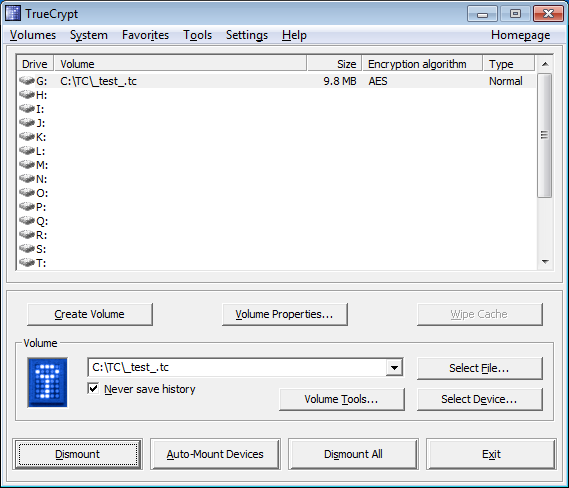
You can access the contents as a regular disk unit.

